
Touch and voice
Tablets
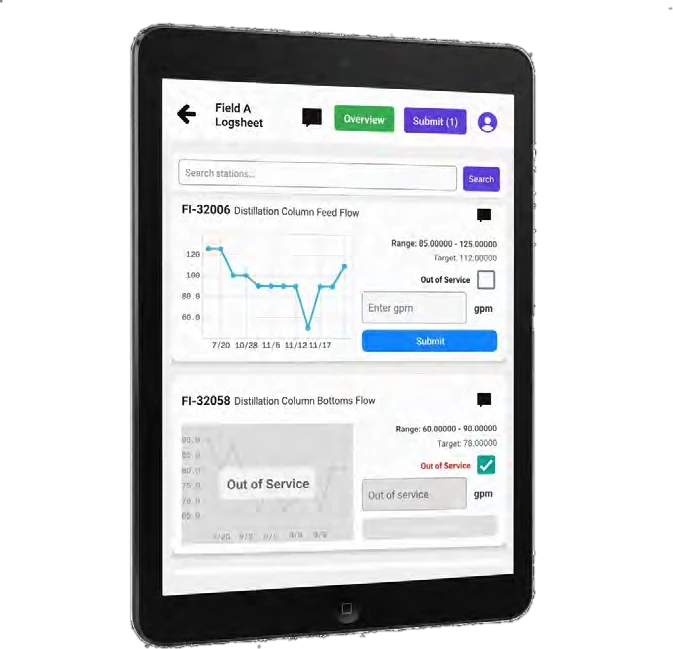
Keep familiar logsheets on standard or rugged iOS and Android tablets. Operators can enter readings by touch or voice while standing beside the equipment.
LIMIS / Field devices
Use a tablet for familiar forms, or a RealWear headset when the work calls for hands-free entry. LIMIS brings those readings into the same shared record.
Touch and voice
Keep familiar logsheets on standard or rugged iOS and Android tablets. Operators can enter readings by touch or voice while standing beside the equipment.
Hands-free entry
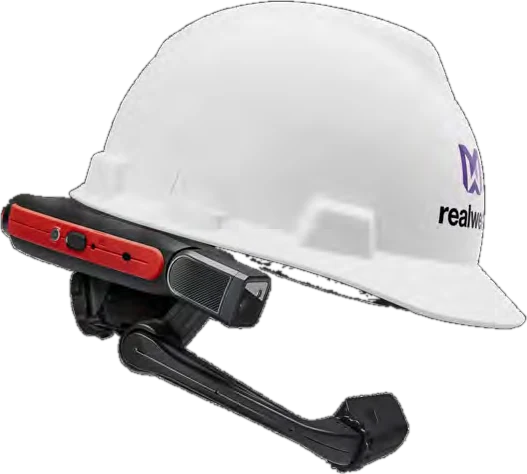
RealWear headset mounted on a hardhat.
For rounds where holding a tablet gets in the way. Speak readings into LIMIS and keep both hands available. LIMIS is an official registered RealWear distributor.
Manufacturer references
Start with how your team records the round. Explore the models, then confirm the complete configuration for your plant.
Hands-free headsets
Tablets and enclosures
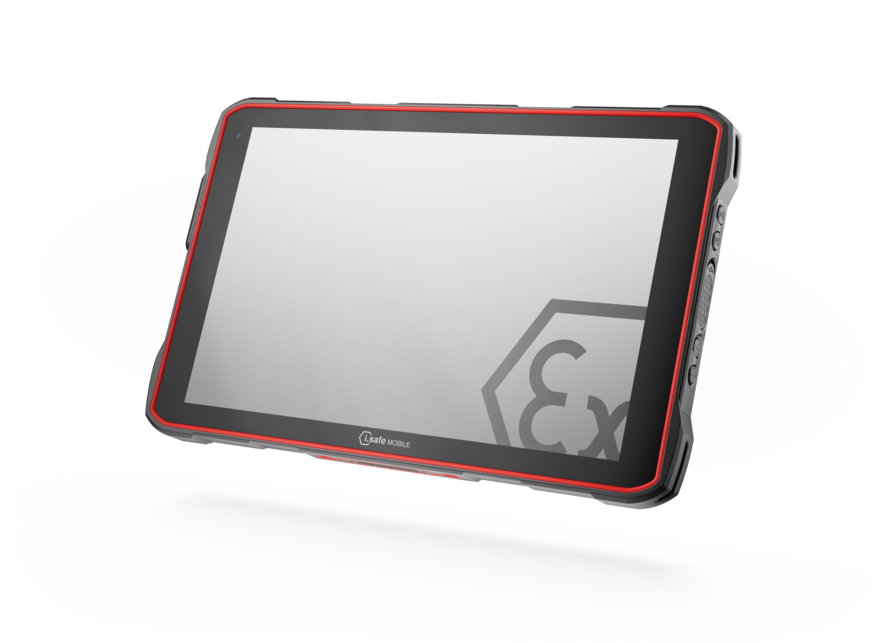
Android tablet · intrinsically safe
Glove-ready display and replaceable battery. For classified gas and dust areas.
View model details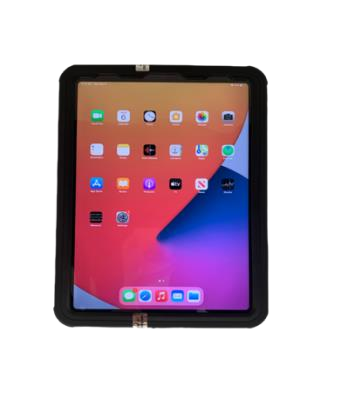
iPad · certified enclosure
iPad enclosure for Zone 2 gas areas. Installation method affects the approved use.
View model detailsEach model has its own approvals and conditions of use. The references below do not replace selection with the plant’s safety team.
Official registered RealWear distributor
Compare the RealWear range with LIMIS. We help you select the device, mounting, and accessories for your plant.
Intrinsically safe · hazardous areas
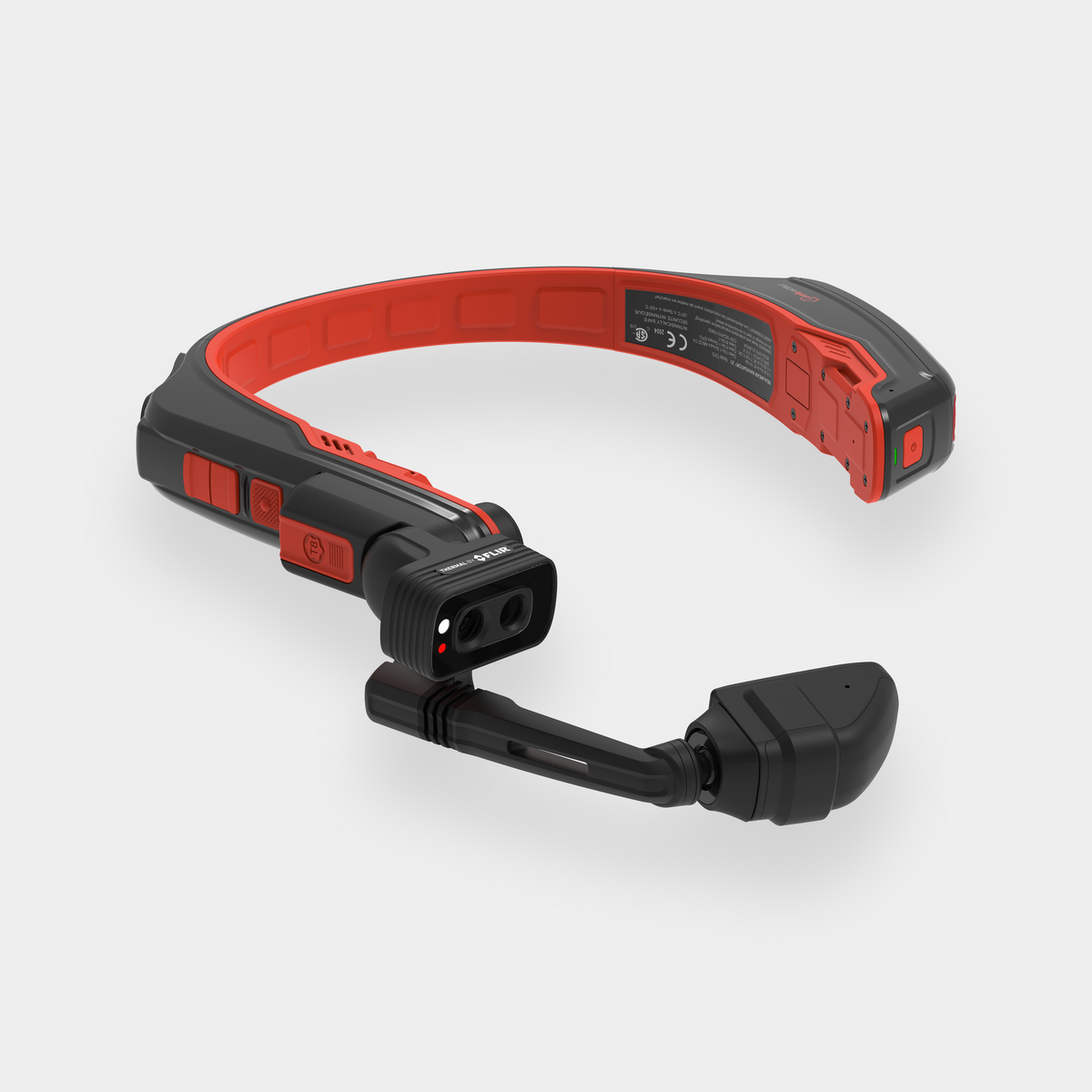
A hands-free option for classified gas and dust areas. Thermal imaging is available in the current range; confirm the selected camera bundle.
Rugged · general industrial work
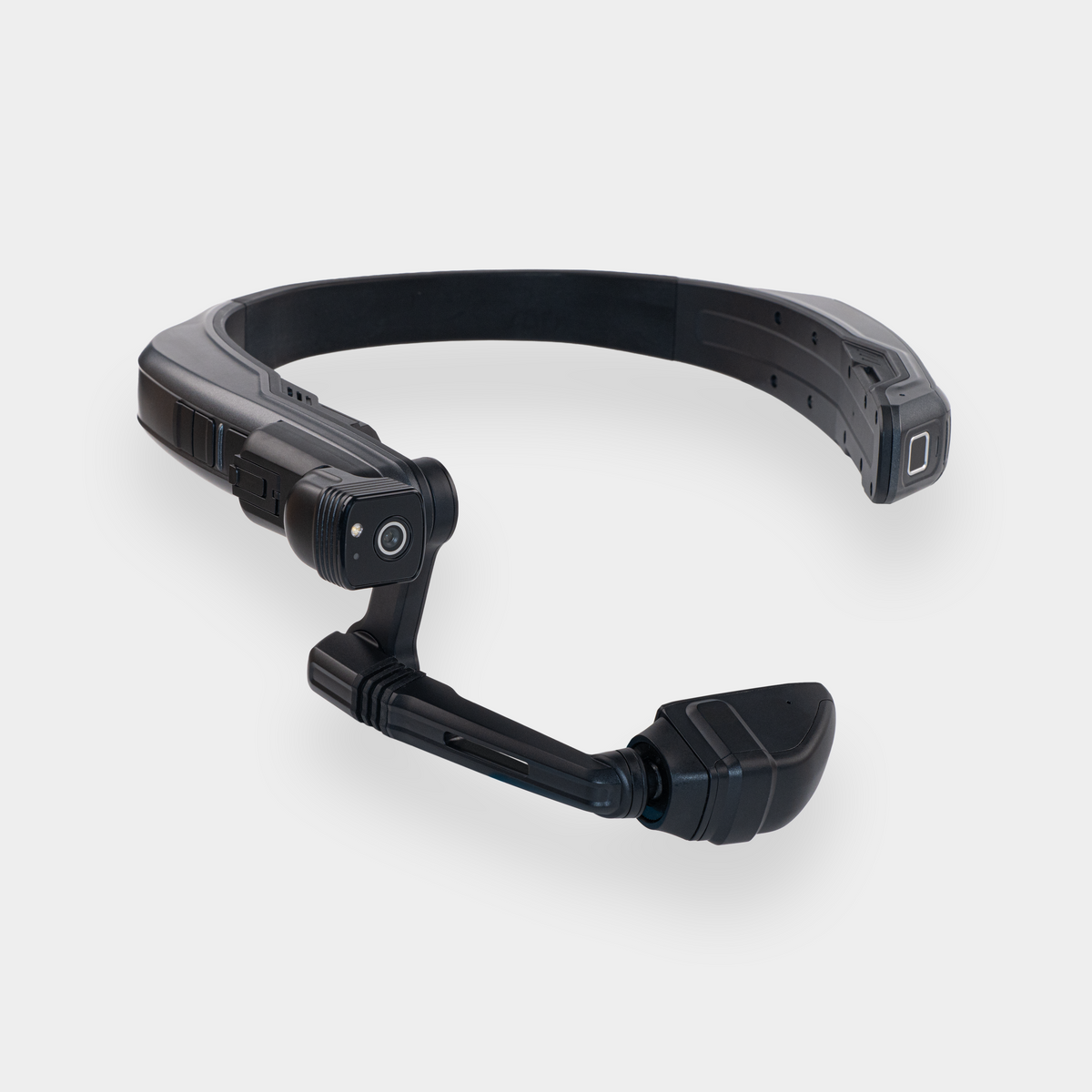
An adjustable display and a battery that can be changed without shutting down. For general industrial use outside classified areas.
Lightweight · see-through display
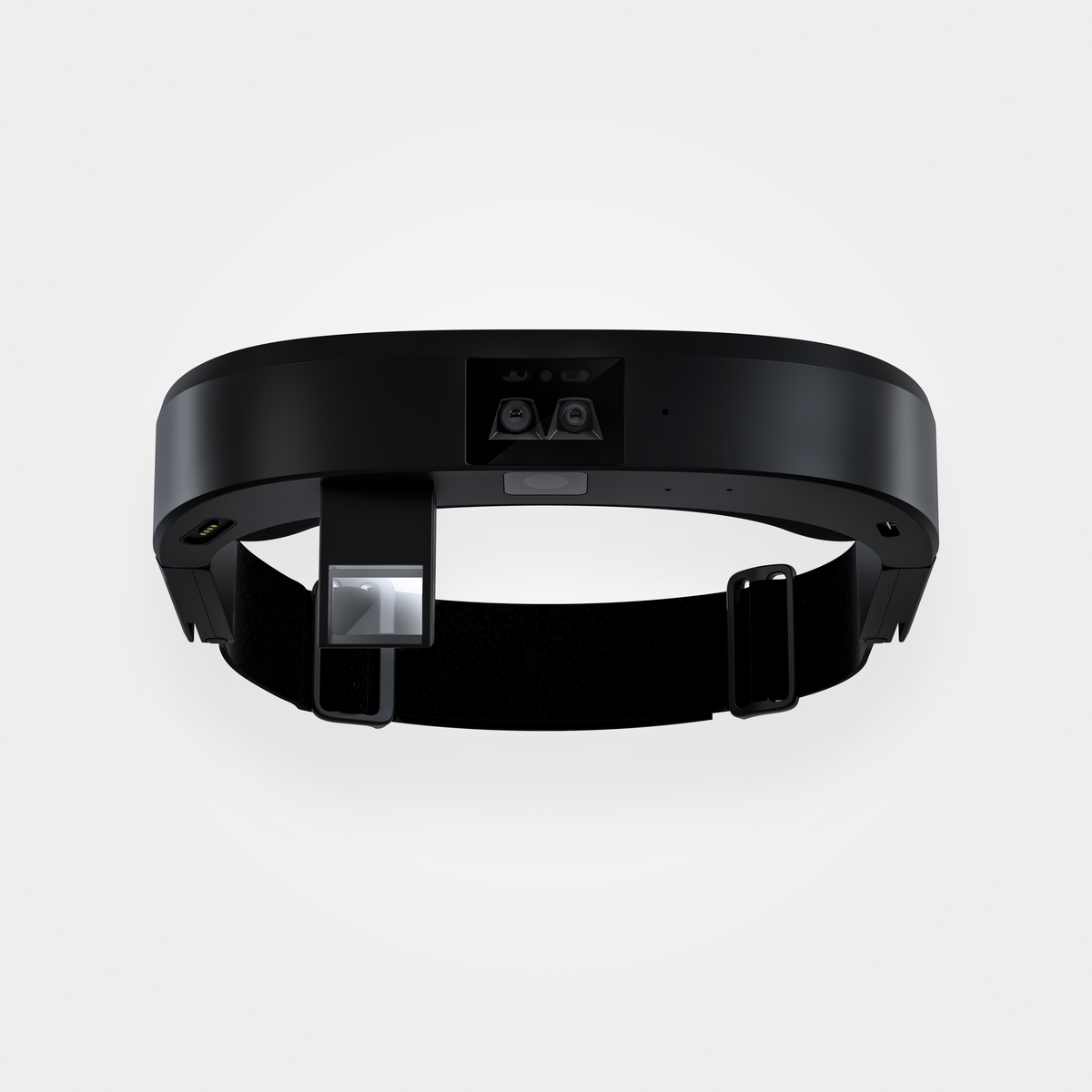
A lighter option with a see-through display and two forward-facing cameras. For general industrial use outside classified areas.
Confirm the exact model, firmware, accessories, availability, and LIMIS configuration during assessment.
Tablet specifications
These manufacturer references, listed by Exloc, show two ways to bring a tablet into classified areas. Each has its own approvals and configuration.
Android tablet · intrinsically safe
A rugged 10.1-inch tablet with a display that can be used with gloves and a replaceable battery. Manufacturer model M940A01.
iPad · certified enclosure
Xciel tablet enclosure
An enclosure for the 10th-generation iPad (2022). The manufacturer-installed configuration supports C1D2 and ATEX Zone 2; self-installation supports Zone 2 only.
Confirm availability, local approvals, and LIMIS compatibility for the exact supplied tablet and enclosure.
Intrinsically safe equipment
Intrinsic safety limits electrical energy and heat that could ignite flammable gases or combustible dust. It is a specific protection method, tied to the equipment’s certification.
Match the zone or division, gas or dust group, temperature class, and local approvals, including Brazilian INMETRO requirements where applicable.
The model, enclosure, battery, mounting, and accessories must match the approved configuration. A rugged device or an IP rating alone does not establish intrinsic safety.
Review the manufacturer’s certificates and conditions of use with your safety team. Confirm firmware and LIMIS operation on the selected equipment during assessment and pilot.
Before the pilot
Device selection
Tell us about the round, the work areas, and the devices your team uses today.
Discuss field devices